Section 01
1. Turning Text Notifications On
- Sign in to Daialog and open Settings > Notifications.
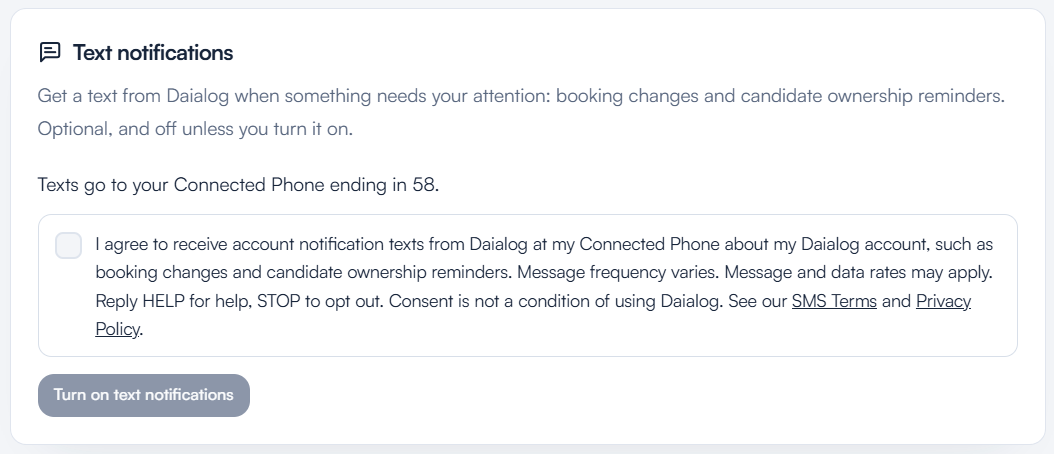
- The Text notifications card shows the Connected Phone the texts will go to: the mobile number the user verified with a one-time code in Phone & SMS. Without a verified Connected Phone, text notifications can't be turned on.
- The user ticks the box, which starts unchecked, next to the statement below.
- The user selects Turn on text notifications. Daialog records the agreement and sends a confirmation text.